AI Screening Prompts to Summarize Applications Without Tech Skills
Copy-paste AI prompts for recruiters to summarize applications, flag missing must-haves, and draft rejections. No technical background needed.
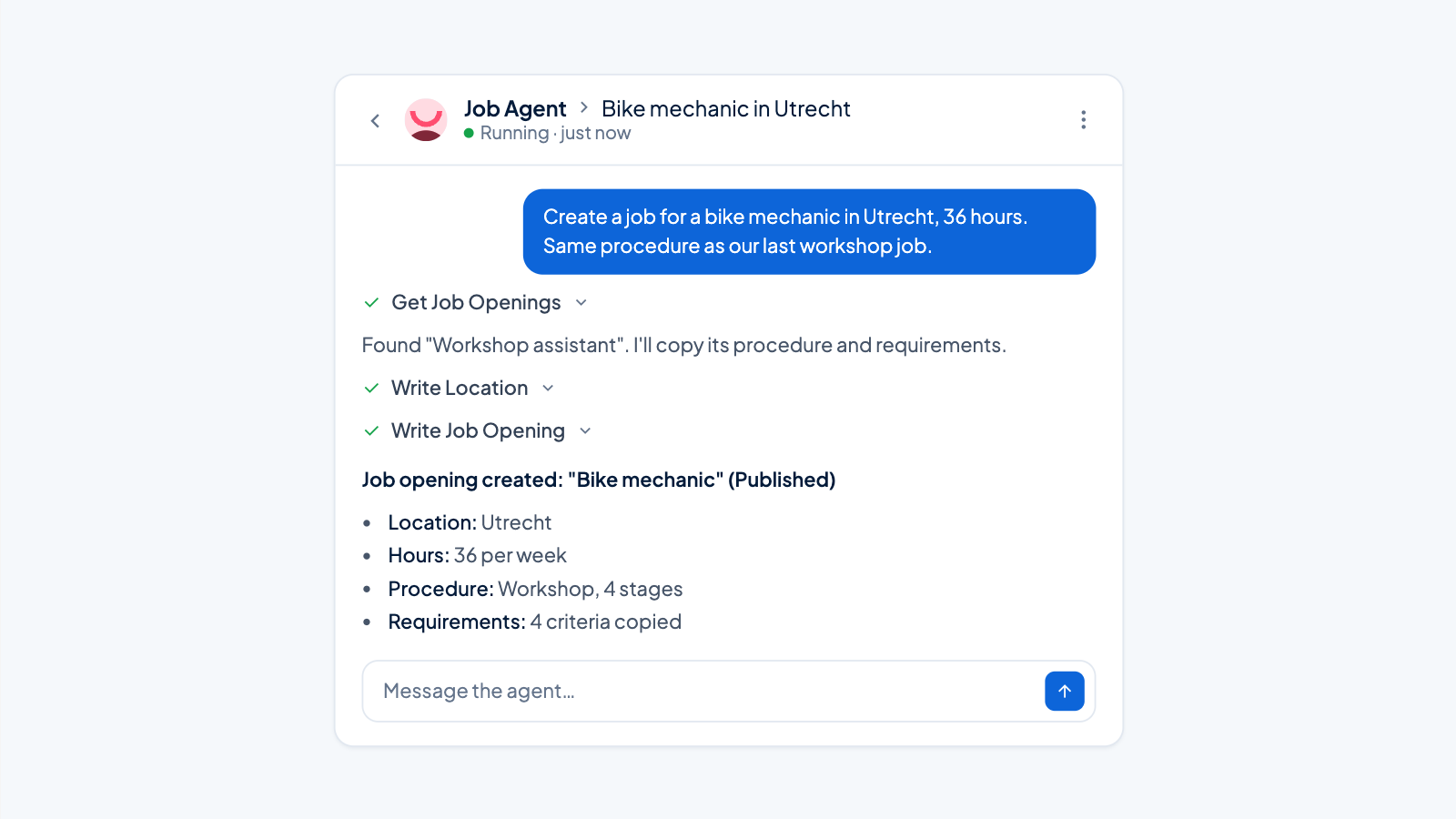
You don’t need a technical background to use AI for screening. Tools like ChatGPT or Claude can summarize applications, flag missing requirements, and draft rejection emails, provided you give them clear instructions. The five templates below cover the most common screening tasks: summarizing a single application, batch-checking must-haves, drafting rejections, ranking a shortlist, and generating screening call questions. Copy the first one, paste a real CV and job ad, and you’ll have a usable summary within minutes.
If you want to understand how AI fits into a broader hiring process, what are practical applications of AI in recruitment? gives a plain-language overview.
Template 1: Summarize a single application against the job ad
When you have 20 or more applications and need a one-paragraph summary per candidate to decide who to interview, this prompt turns a CV and a job ad into a focused overview. It tells the AI to stick to what’s in the documents, flag missing information, and avoid inventing anything.
Prompt
You are an assistant to a recruiter. Read the job ad and the candidate’s CV below. Write a one-paragraph summary that covers:
- Which must-have requirements from the job ad the candidate meets, with specific evidence from the CV.
- Which must-have requirements are missing or unclear.
- Any strengths or risks that stand out.
Do not guess missing information. If something isn’t stated in the CV, say it’s not mentioned.
Job Title: [e.g., Backend Developer]
Job ad:
[Paste the full job ad here]
CV:
[Paste the CV text here]
Tip 1: Always read the original CV after the summary. AI can miss nuance, and a gap that looks like a dealbreaker might be explained by a project or a certification you’d spot yourself.
Tip 2: If the summary mentions a missing requirement that you know is flexible, add a note to the prompt next time: “Requirement X is a nice-to-have, not a must-have.” This stops the AI from treating every listed requirement as a hard filter.
Template 2: Flag missing must-haves across a batch
When you have a pile of applications and want to quickly discard those who don’t meet non-negotiable criteria, this prompt checks every CV against a short list of must-haves. It outputs a simple table so you can see at a glance who is still in the running.
Prompt
You are screening applications for a role. Below is a list of must-have requirements and several CVs. For each candidate, check whether they meet every must-have.
- If a requirement is clearly met, mark it Yes.
- If it’s missing or cannot be confirmed from the CV, mark it No.
- If the CV provides partial evidence, mark it Partial and explain briefly.
Output a table with these columns:
Candidate | Meets all must-haves? (Yes/No) | Missing or partial items
Must-haves:
[List 3–5 requirements, e.g., “Valid work authorization for Germany”, “3+ years of warehouse supervision”, “Forklift certification”]
CVs:
Candidate 1: [Paste CV text]
Candidate 2: [Paste CV text]
Candidate 3: [Paste CV text]
Tip 1: Keep the must-have list to 3–5 items and avoid subjective language like “good communication skills”. If you need to assess something soft, turn it into a concrete check, for example “Experience leading a team of at least 5 people” instead of “leadership skills”.
Tip 2: Run the prompt with a small batch first (3–5 CVs) to see if the AI interprets your must-haves correctly. If it marks something Partial too often, rephrase the requirement to be more specific, then scale up.
Template 3: Draft a polite rejection email
Closing the loop with candidates who didn’t pass the screen matters, but writing individual emails from scratch eats time. This prompt produces a warm, brief rejection that includes a specific reason drawn from the AI’s own summary. That makes the message feel personal without requiring you to craft each one.
Prompt
Write a polite rejection email to a candidate who applied for the [Role Title] position. The message should:
- Thank the candidate by name.
- Mention one specific reason they were not selected, based on the screening summary below.
- Be warm but brief (3–4 sentences).
- Not make promises about future contact unless we genuinely plan to keep their details.
Candidate name: [Candidate Name]
Screening summary: [Paste the AI-generated summary or the reason, e.g., “The role requires 2+ years of experience with React; the candidate has 6 months.”]
Tip 1: Always review the email before sending. If the reason feels too blunt, soften it, but keep the honesty. A vague “we went with another candidate” is worse than a clear, respectful explanation.
Tip 2: For candidates who were close but missed one hard requirement, add a line like “We’ll keep your details on file for future roles that match your profile” only if you actually do that. Otherwise, leave it out.
Template 4: Rank a shortlist by fit
After you’ve filtered out the clear mismatches, you often end up with 5–8 candidates who all meet the basics. This prompt ranks them based on the criteria you define, so you know who to call first. It also flags any red flags the AI spots in the CVs.
Prompt
You are helping a recruiter prioritize a shortlist. Below are the role context, scoring criteria, and a summary of each candidate. Rank the candidates from strongest to weakest fit. For each, give:
- A one-line justification.
- Any red flags or inconsistencies you notice (e.g., unexplained gaps, frequent job changes, skills claimed but not evidenced).
Role context: [Brief description, e.g., “Sales Manager for a B2B SaaS company in Antwerp. The person will manage a team of 4, own a €2M quota, and report to the CEO.”]
Scoring criteria:
[List 3–5 weighted criteria, e.g., “B2B SaaS sales experience (most important)”, “Team management experience”, “Fluent Dutch and English”]
Candidate summaries:
Candidate A: [Paste summary or key points]
Candidate B: [Paste summary or key points]
...
Tip 1: Treat the ranking as a starting point, not a final decision. The AI might weigh hard skills over cultural fit or miss a candidate who performed well in a different industry but has transferable skills. Use the ranking to structure your own review.
Tip 2: If you have more than 8 candidates, split them into two batches and run the prompt twice. AI tools handle smaller sets more reliably and are less likely to mix up details.
Template 5: Generate screening call questions from a CV
A 15-minute phone screen is more productive when you have questions that probe for evidence, not just repeat what’s on the CV. This prompt reads the CV against your top three requirements and generates questions that uncover gaps, test claimed experience, and explore inconsistencies.
Prompt
You are preparing a 15-minute screening call for a candidate. Based on the CV and the top three requirements below, generate 5–7 questions that:
- Ask for specific examples or evidence of the requirements.
- Probe any gaps, vague claims, or rapid job changes.
- Are open-ended and avoid yes/no answers.
Top three requirements:
- [Requirement 1]
- [Requirement 2]
- [Requirement 3]
CV:
[Paste the CV text]
Tip 1: After the call, compare the answers with the CV. If the candidate’s story doesn’t match what they wrote, that’s a flag worth noting for the hiring manager.
Tip 2: If the AI generates a question that feels too generic (e.g., “Tell me about your experience with X”), edit it to ask for a specific situation: “Walk me through the last time you used X to solve a problem. What was the outcome?”
These prompts work with any generic AI tool. They don’t require technical knowledge, just the discipline to check the output and adapt the instructions to your roles. Start with Template 1 tomorrow morning. Paste a job ad and a CV, and you’ll have a summary that tells you whether it’s worth a deeper read.
If you’d rather have an AI agent do this automatically inside your recruitment workflow, Applyfin’s screening agent summarizes applications against your criteria, flags red flags, and triggers actions per pipeline stage, without you writing a single prompt. You can try it with a free job and 500 profiles per month. For a closer look at where AI fits into screening and where it doesn’t, can AI replace recruiters in screening? separates the useful from the overhyped.