Automated vs Manual Follow-Ups in Recruitment: Which Reduces No-Shows?
Automated reminders can cut no-shows, but do they feel cold? We compare response time, consistency, and personalization for 40 interview invitations, with a clear rule for when to automate and when to send a manual note.
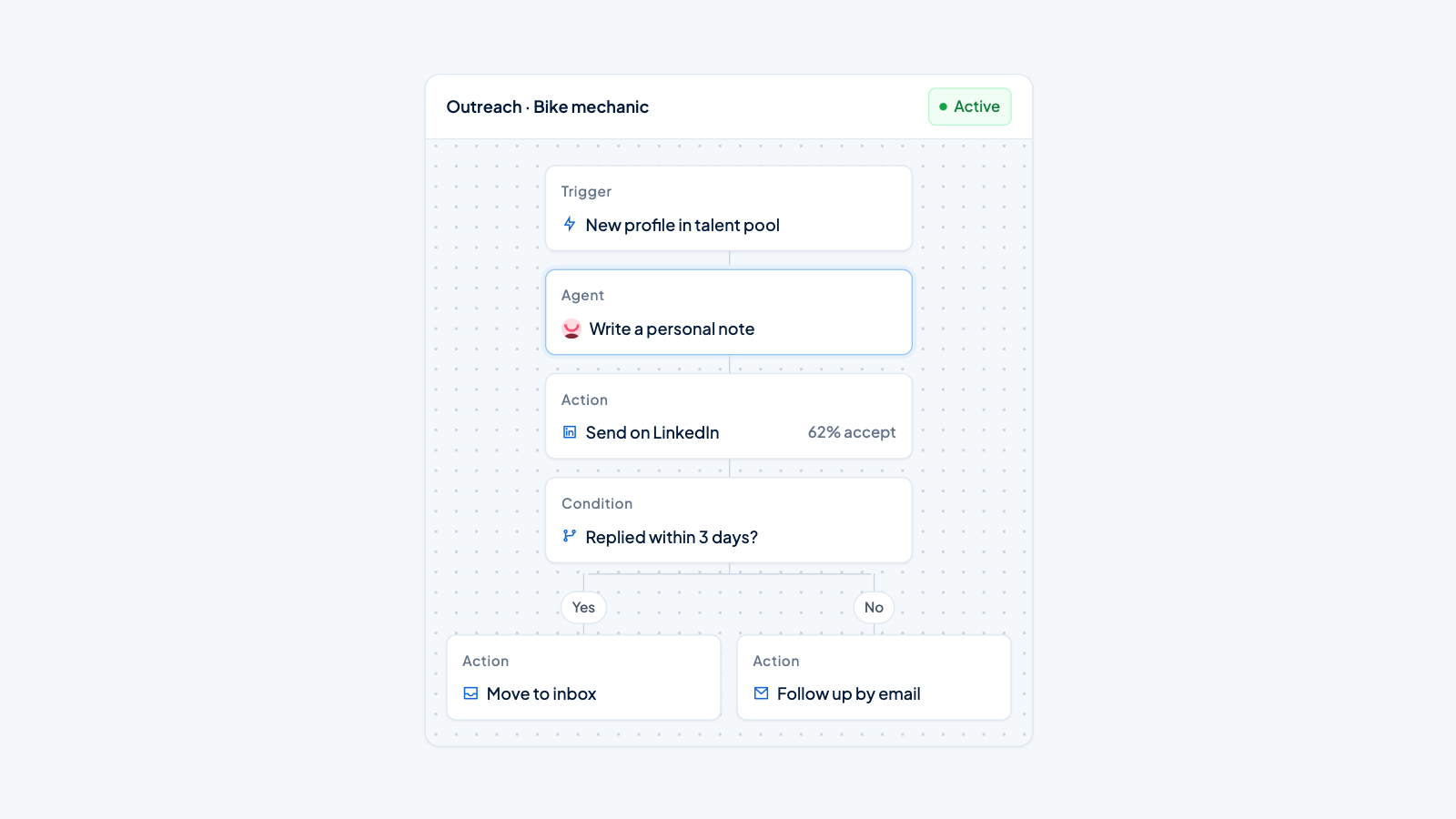
No-shows waste time, extend time-to-hire, and frustrate hiring managers. When you send someone an interview invite, the follow-up they get before the day often determines whether they show up. Automated follow-ups reduce no-shows more consistently for volume hiring, while manual messages can add a personal touch that does not always matter. This post compares both approaches using a realistic example, 40 interview invitations for a logistics coordinator role in Venlo, and gives you a clear rule for when to automate and when to send a manual note.
What are automated follow-ups?
Automated follow-ups are rule-based reminders sent to candidates after an interview is scheduled. Once you set them up in an ATS or recruitment platform, they fire without manual work: a confirmation email the moment the invite is sent, an SMS reminder 24 hours before the interview, a calendar invite with address details. The timing, content and channel are defined ahead of time. The system triggers the message at the scheduled moment regardless of how busy the recruiter is.
What are manual follow-ups?
Manual follow-ups are reminders sent personally by the recruiter, hiring manager or coordinator. They can be an email, a WhatsApp message or a phone call. Because a human writes and sends them, you can tailor the tone to the candidate, answer questions immediately and handle special situations (a changed room, a candidate who needs to bring ID). The cost is time: you spend minutes per candidate, and if you forget one, there is no backup.
Automated vs manual follow-ups: a side-by-side comparison
Below, we compare the two approaches for a scenario where you schedule 40 interviews for a logistics coordinator role in Venlo, a high-volume role where no-shows cause serious planning problems.
|
Criterion |
Automated follow-ups |
Manual follow-ups |
|---|---|---|
|
Response time |
Instant or exactly on schedule. Reminders are sent at the right moment, even if the recruiter is off. |
Depends on the recruiter's workload. Might be delayed by hours or missed entirely. |
|
Consistency |
Every candidate receives the same number of reminders, with the same timing and content. No one is overlooked. |
Some candidates get a quick note. Others might not be reminded if the recruiter is pulled into something else. |
|
Personalization |
Can include candidate name, role title, date, time, location and role-specific instructions. Generic beyond that. |
Can reference earlier conversations, use a warm tone and adapt to the candidate's situation. |
|
Effort per candidate |
Zero after setup. A platform sends all 40 reminders by itself. |
2–5 minutes per candidate to draft, check information and send. For 40 candidates, that adds up to 1.5–3 hours. |
|
Scalability |
Works the same for 10 or 500 invitations. |
Becomes unmanageable as volume grows. |
|
Impact on no-show rate |
High compliance with reminders. In the Venlo example, automated SMS reminders sent at 8AM the day before reduced the no-show rate to 12%. |
Variable. Manual emails sent at different times led to a 22% no-show rate in the same example, mainly because reminders were late or inconsistent. |
|
Candidate experience |
Functional and quick. Candidates get the info they need, when they need it. |
Might feel more personal, but delays hurt the experience if the candidate is waiting for details. |
Speed and consistency: the no-show killer
A reminder that arrives 24 hours before an interview cuts no-shows noticeably, because it brings the appointment back into the candidate's mind exactly when they are planning their next day. If it arrives late, or not at all, the candidate forgets or double-books.
Automated follow-ups win on timing. Once you define the schedule (one reminder immediately, one 24 hours ahead, maybe one an hour before), the platform executes it. In the logistics coordinator example, a Venlo-based company used automated SMS reminders at 8am the day before the interview. The candidate saw the message over breakfast and could plan their travel. The no-show rate for the 40 invitations dropped to 12%. When the same coordinator tried to remind candidates manually via email, the reminders went out at different times, sometimes afternoon the day before, sometimes late evening, and four candidates missed the interview because they did not check email in time. The no-show rate was 22%.
Manual follow-ups break down under workload. A recruiter with five open roles and back-to-back calls will push a manual reminder to "later" and sometimes later never comes. Consistency is the silent advantage of automation: every candidate gets the same number of nudges, every time.
Personalization: does a human touch matter?
For most roles, personalization in reminders is overrated. Candidates want clear logistics: the address, the time, what to bring, who to ask for at the front desk. An automated SMS that says "Hallo Mark, your interview for Logistics Coordinator at Kuehne + Nagel in Venlo is tomorrow at 10:00. Please bring your ID and report to Gate 2" gives them exactly that. Personal rapport is not the point of a reminder; a candidate does not need to feel warm to turn up.
Where manual follow-ups do add value is with senior or niche roles. If you are hiring a plant manager or a lead developer, a short WhatsApp from the hiring manager the evening before, "Looking forward to walking you around the site tomorrow", can signal that the company values the person. It can reduce ghosting by reinforcing the human connection. But that approach does not scale. One hiring manager can send five of those a month, not 40 a week.
So unless you are hiring for roles where personal rapport is a deciding factor, automate the reminder and put your time into the interview itself.
Handling last-minute changes and edge cases
Manual follow-ups shine when there is a curveball. An interviewer calls in sick. The room changes from building A to building C. A candidate asks if they can bring their child. In those moments, a human can write a new message in seconds and answer the candidate's specific question.
Automated systems can send a blast update if the platform allows you to override the next scheduled reminder, but often a last-minute change needs a quick manual note. During the Venlo logistics campaign, two candidates had to shift their slot by an hour because of train problems. The coordinator sent them a short WhatsApp, solved in 30 seconds. The automated reminders ran for everyone else and kept the process moving.
A practical hybrid: automate the standard reminders, and keep a manual check 1–2 hours before the interview for high-stakes roles or known edge cases. For the other 95% of invitations, let the automation run.
When to choose automated follow-ups
Choose automated follow-ups when:
- You hire at volume: retail, logistics, hospitality, customer service roles where no-shows cause expensive gaps in the schedule.
- You send more than 10 interview invitations per week. After that, manual reminders start falling through the cracks.
- Your team is small and recruiters are already handling sourcing, screening and admin.
- You need consistent, timely reminders that fire on schedule without someone remembering to press send.
- You want to measure and improve your show rate with data (which reminder time works best, which channel candidates actually open).
The step is straightforward: if your ATS or recruitment platform supports automated reminders, switch them on and test the timing. If it does not, a tool like Applyfin includes pipeline automations that can send email and SMS reminders automatically, without manual setup each time. This lets you focus on conversations with the candidates who show up.
When to choose manual follow-ups
Manual follow-ups make sense in these situations:
- You hire for executive, specialist or technical leads where the candidate choice often turns on feeling valued and building a relationship before day one.
- You schedule fewer than five interviews per month for those roles.
- The interview process is complex and last-minute changes are frequent (multiple interviewers, site visits with facilities team).
- You have a dedicated recruitment coordinator who can send a personal note within minutes of scheduling, so the personal touch does not become a delay.
Short rule: if you can count your monthly interviews on one hand and the role is critical, a short personal message from the right person helps. If you are hiring in batches, automate.
The next step: test your own no-show rate
Choose your highest-volume role this month. If you already send manual reminders, count how many you sent late or missed altogether in the last two weeks. Then try automated reminders for the next batch of 10–15 invitations. Compare the no-show rates. You will know within a few weeks which approach keeps your calendar full and your recruiter time free.
For a deeper look at which processes to automate first, read on which recruitment processes you should automate, and which should stay manual. If you want to speed up the entire hiring process, see how to reduce time-to-hire with automation. And to understand the bigger picture, start with which recruitment processes can you automate?.
Applyfin's pipeline automations handle interview reminders by email and SMS, alongside sourcing and screening, so your team can run consistent follow-ups without extra effort. You can start for free with 500 profiles per month and your first job free.