How do you connect recruitment software with other HR tools?
Discover how connecting recruitment software with HR tools increases efficiency and eliminates errors.

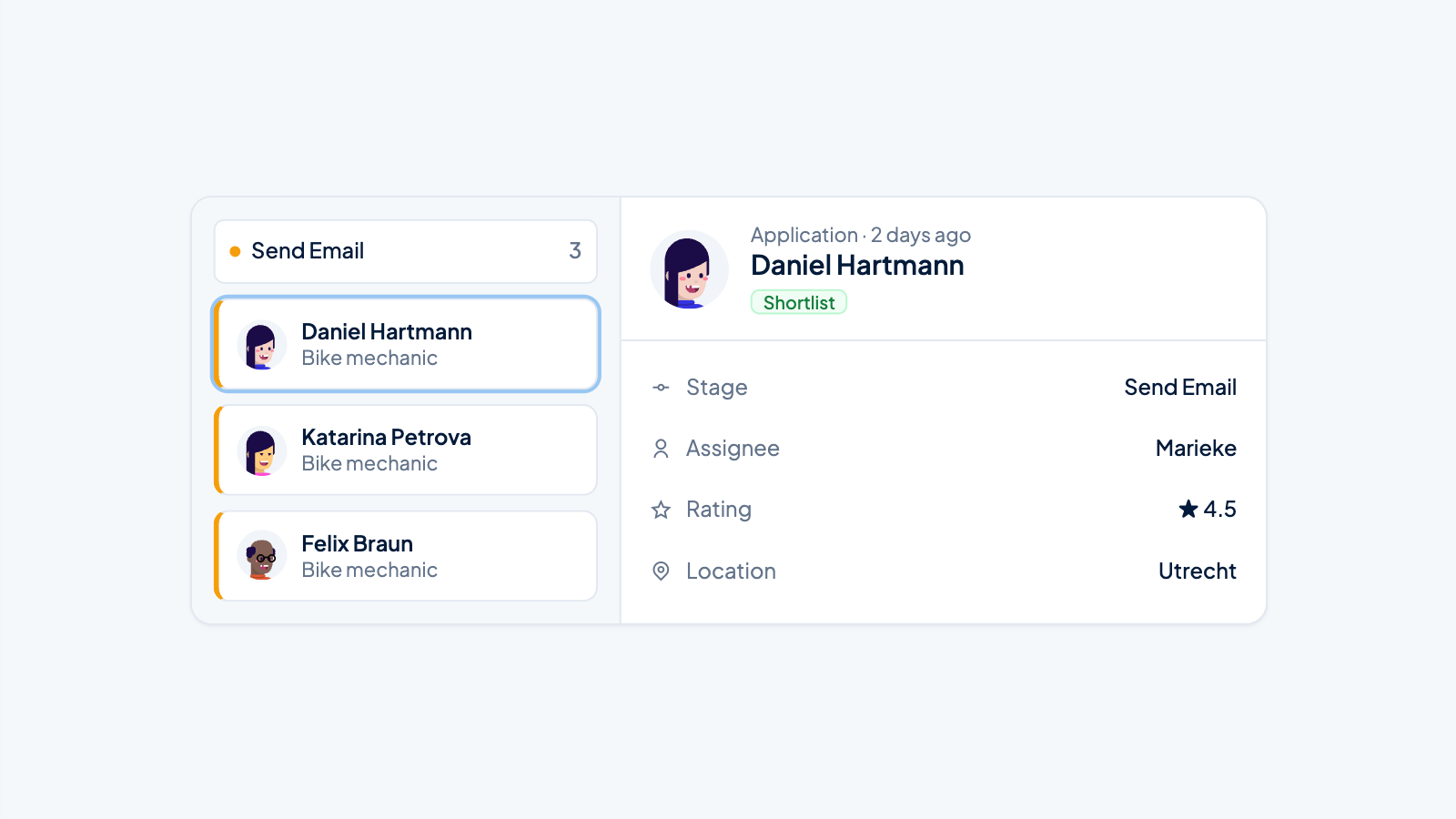
Connecting recruitment software with other HR tools creates an integrated system that supports the entire employee lifecycle. This integration eliminates manual data entry, improves the candidate experience, and gives HR teams a complete overview of all processes. From application to onboarding and beyond, all systems can work together seamlessly for maximum efficiency.
Why is connecting recruitment software with other HR tools so important?
Integrated HR systems deliver improved efficiency by eliminating duplicate data entry and automating workflows across different platforms. Data consistency is guaranteed because information is automatically synchronized between systems, preventing errors and discrepancies.
The integration provides a holistic view of the employee lifecycle, from first contact to offboarding. HR teams can seamlessly transfer candidate data to HRIS systems as soon as someone is hired. This creates continuity in the employee experience and prevents important information from being lost during transition moments.
Streamlined workflows mean HR professionals can spend more time on strategic tasks instead of administrative work. Automatic data transfer between recruitment software and payroll systems ensures new employees are operational faster.
Which HR tools are best to connect with recruitment software?
The most valuable integrations include HRIS systems for personnel management, payroll software for salary administration, background check platforms for screening, assessment tools for competency measurement, and onboarding software for new employees. These connections cover the full recruitment-to-employment cycle.
HRIS integrations are essential because they automatically convert candidate data into employee records. This prevents repeated data entry and ensures accurate personnel records from day one.
Assessment platforms provide valuable data on candidate competencies that can be linked to job requirements. Background check tools automate the verification process, while onboarding software ensures a smooth transition from candidate to employee.
- HRIS systems for seamless creation of employee records
- Payroll software for automatic salary registration
- Assessment platforms for competency evaluation
- Background check tools for security screening
- Onboarding software for integrating new employees
- Calendar systems for interview scheduling
How to choose the right integration method for your organization
The choice between APIs, native integrations, and third-party platforms depends on technical complexity, available budget, and maintenance capacity. Native integrations often offer the best user experience but are limited to specific software combinations.
API integrations offer maximum flexibility but require technical expertise for implementation and maintenance. Third-party platforms like Zapier or Microsoft Power Automate provide a middle ground with user-friendly setup but more limited functionality.
Consider the following factors when making your choice:
- Available IT resources and technical expertise
- Budget for implementation and ongoing costs
- Desired depth of integration and data synchronization
- Scalability for future expansion
- Security requirements and compliance standards
What are the most common challenges when integrating recruitment software?
Typical obstacles include data mapping issues, where fields between systems don't match, security risks around data exchange, legacy systems with limited integration capabilities, and resistance to change management among users. These challenges can be overcome with the right approach.
Data mapping requires careful planning to ensure information is transferred correctly between systems. Legacy systems can often be connected via middleware solutions that act as a bridge between old and new technologies.
Security risks are addressed by using encrypted connections, access controls, and regular security audits. Change management succeeds through early involvement of end users, adequate training, and clear communication about the benefits.
Practical tips to overcome challenges:
- Start with a pilot project to gain experience
- Document all data flows and mapping requirements
- Implement step by step instead of all at once
- Ensure backup procedures during the transition period
- Train superusers who can support others
How to ensure a successful implementation of connected HR systems
A successful implementation requires careful planning, extensive testing, user training, and continuous monitoring. Start with a clear project plan that defines all stakeholders, timelines, and success criteria.
The testing phase is crucial for identifying issues before the system goes live. Test all integrations thoroughly with real data and scenarios. Ensure backup procedures work and that a rollback plan exists.
Training should be tailored to different user groups. Recruiters have different needs than HR administrators or IT support. Create role-specific training materials and hands-on workshops.
Continuous monitoring after go-live helps identify optimization opportunities and resolve unforeseen issues. Collect user feedback and monitor system performance regularly.
How Applyfin helps with HR integrations
Applyfin offers a complete solution for organizations that want to connect their recruitment processes with other HR tools. Our platform supports your integration strategy by:
- Native connections with popular HRIS systems, payroll software, and assessment platforms
- API support for custom integrations with existing business systems
- Automatic data synchronization that eliminates manual entry and prevents errors
- Seamless onboarding workflows that smoothly convert candidates into employees
- Comprehensive reporting that combines data from multiple systems for complete insights
With our expertise in HR integrations, we help your organization build a fully integrated talent management system. Schedule a demo and discover how we can support your specific integration needs.