How do you send automatic follow-up emails?
Automatic follow-up emails save recruiters 30% of their time and improve candidate experience. Discover step-by-step implementation and best practices.

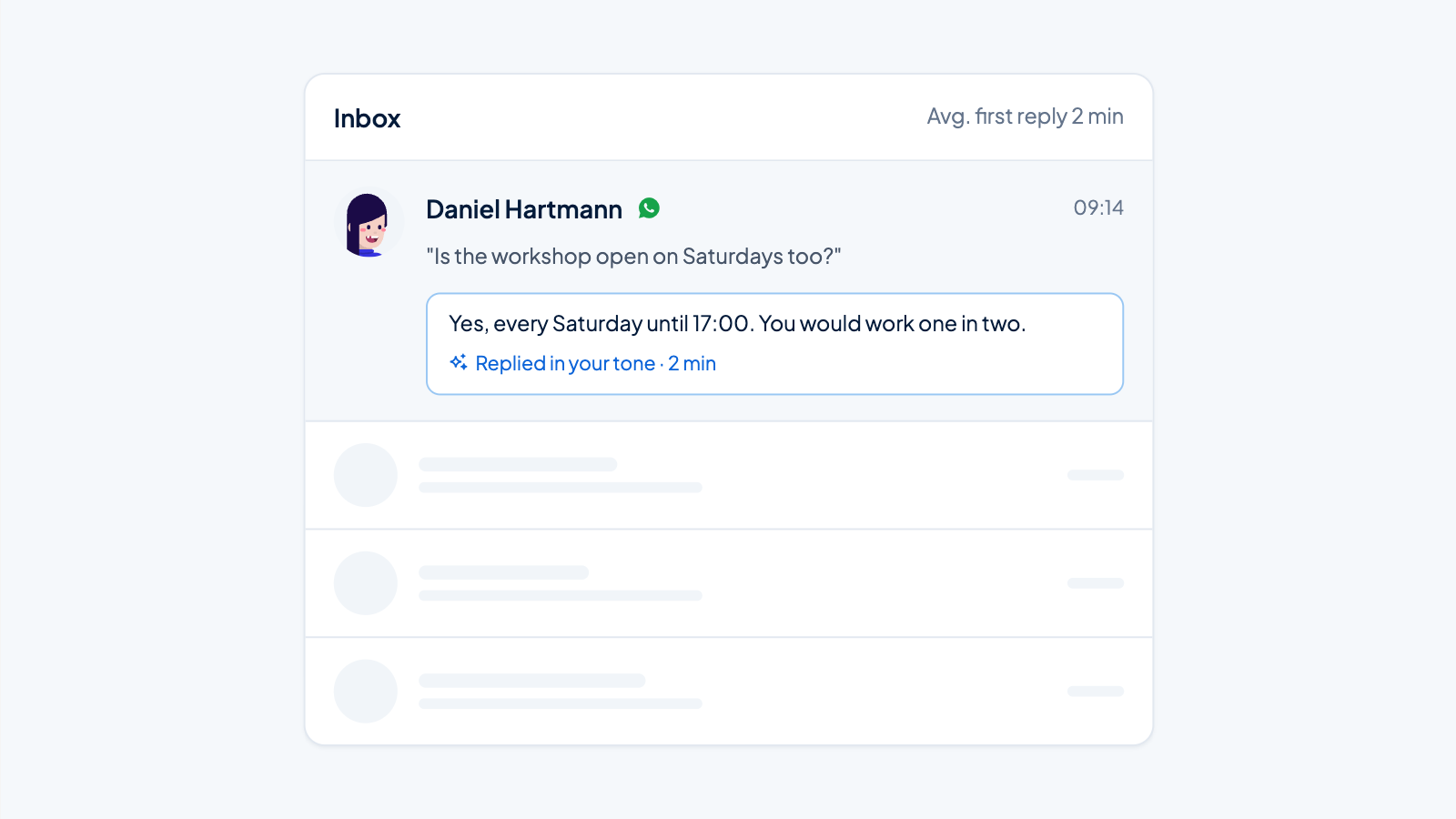
Every recruiter knows the feeling: an inbox full of candidates waiting for a response, interviews that need to be scheduled, and rejections that need to be sent. Manually sending follow-up emails not only takes a lot of time, but also leads to inconsistent communication and missed opportunities. Automated follow-up emails offer a solution that benefits both recruiters and candidates.
In this article, you’ll discover why email automation is essential for modern recruitment, which follow-up emails you can automate, and how to implement it step by step. We’ll also share best practices and common mistakes to avoid.
Why Manual Follow-up Emails Cost Recruiters Time and Candidates
Manual candidate communication causes more problems than you might realize. Recruiters spend an average of 30% of their time on administrative tasks, much of which consists of sending standard emails. This time could be much better spent on actual conversations with candidates.
The consequences of delayed communication are significant. Candidates expect a response to their application within 24 hours. When this doesn’t happen, they often keep looking at other employers. Inconsistent communication also damages your employer brand and creates a negative candidate experience.
Missed opportunities also occur because recruiters forget to send follow-up emails. A candidate who doesn’t receive a rejection in a timely manner remains in uncertainty. This leads to frustration and negative reviews about your recruitment process.
What Are Automated Follow-up Emails and How Do They Work?
Automated follow-up emails are prewritten emails that are sent automatically based on specific triggers in your recruitment process. These triggers can be: a new application, a scheduled interview date, or a status change in your applicant tracking system.
The system works with different types of communication:
- Confirmation emails after applications
- Status updates during the selection process
- Interview invitations and reminders
- Rejection letters with personal feedback
- Onboarding communication for new hires
The automation integrates seamlessly into your existing recruitment workflow. When a candidate applies, an email sequence that is tailored to your specific hiring process starts automatically.
Which Follow-up Emails Can You Automate in the Recruitment Process?
Almost every standard communication in your recruitment process can be automated. Application confirmations are the most obvious starting point. These emails confirm that the application has been received and give an indication of the next steps.
Interview-related communication lends itself perfectly to automation. Think of invitations with calendar links, preparation instructions, and reminders a day before the interview. Status updates can also be automated to keep candidates informed of their progress.
Rejection letters are often the hardest part of recruitment communication. Automation ensures that every candidate is informed promptly and respectfully, even when recruiters are busy with other priorities.
Step by Step: Setting Up Automated Follow-up Emails
Setting up effective email automation starts with mapping out your recruitment process. Identify all moments when candidates expect communication and define clear triggers for each email.
Implementation follows this order:
- Define triggers (application received, interview scheduled, decision made)
- Write email templates with placeholder fields for personalization
- Set the timing (immediately, after 2 days, a week later)
- Test the full sequence with test data
- Monitor performance and optimize where needed
When writing templates, it’s important to find a balance between efficiency and personalization. Use variables for name, position, and company to make emails more personal without manual work.
Best Practices for Effective Automated Recruitment Communication
Timing plays a crucial role in the success of automated follow-up emails. Send confirmation emails within an hour of application. For status updates, you can use longer intervals, but keep candidates informed at least weekly during active selection processes.
Personalization remains essential, even with automation. Don’t just use the candidate’s name; also refer to the specific role and relevant skills. This shows that your email is more than a standard template.
The tone of voice should be consistent with your employer brand. Professional but approachable usually works best. Avoid language that is too formal or too informal. Test different approaches and measure which ones produce the best response rates.
Balance automation with human interaction. Not every communication needs to be automated. Keep personal contact for important conversations and complex situations that require a custom approach.
Avoid Common Mistakes in Email Automation
Over-automation is a common pitfall. Candidates notice when communication feels too robotic. Ensure enough variety in your templates and build in escape routes for situations that require personal attention.
Poor timing can make your automation counterproductive. Emails that are sent too early or too late irritate candidates more than they help. Test different timings and adjust based on feedback and response rates.
Lack of monitoring leads to missed optimization opportunities. Track open rates, click-through rates, and candidate feedback. This data helps you continuously improve your automation and adapt to changing expectations.
Also don’t forget to update your templates regularly. Outdated information or broken links damage your professional image and candidate experience.
How Applyfin Helps with Automated Follow-up Emails
We understand that effective candidate communication is crucial for successful recruitment. Our platform offers extensive email automation capabilities that integrate seamlessly with your entire hiring process.
Our automation solutions include:
- Intelligent triggers based on pipeline status changes
- Customizable email templates with advanced personalization
- Integrated scheduling for interviews and follow-up communication
- Analytics to measure the effectiveness of your communication
By automating recruitment follow-up, you can manage up to three times more candidates without sacrificing quality. Want to discover how our advanced automation can improve your recruitment process? Check out our complete solution or contact us for a personal demo.