Interview scheduling tool vs manual scheduling: what's faster and cheaper?
Discover the real difference in time, cost, and error margin between scheduling interviews manually and using a tool. Realistic figures for recruiters who want to know what's faster and cheaper.

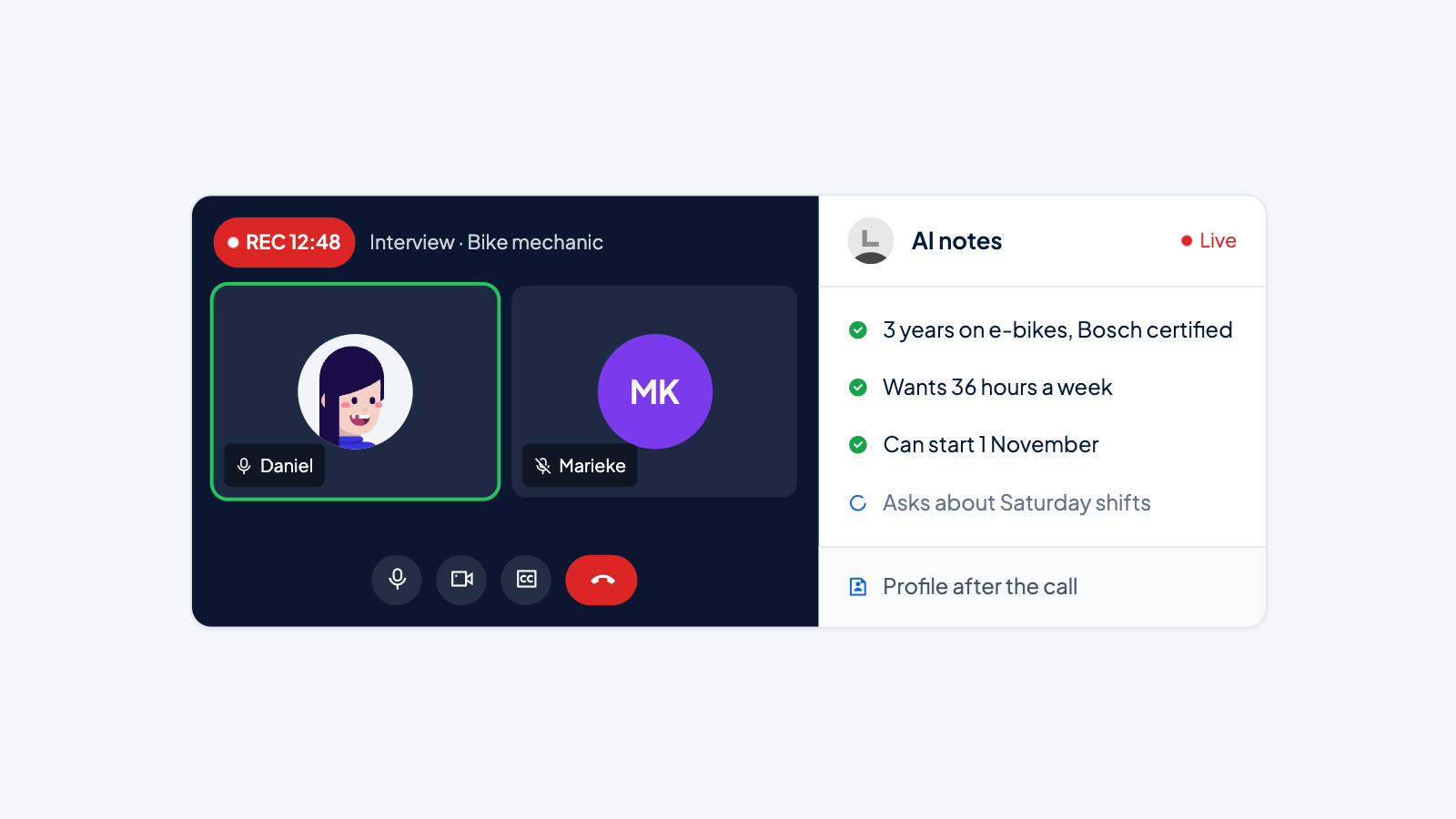
Many recruiters schedule multiple job interviews every week. Sometimes the time is confirmed in a single email; other times it takes three rounds of back-and-forth emails before a meeting is set. Short answer to the title question: above three to five interviews per month, an interview scheduling tool is almost always faster and cheaper. Below that, manual scheduling remains a perfectly good choice. This article compares both approaches on time, cost, error margin, and candidate experience, with calculation examples you can adjust yourself.
What is manual interview scheduling?
Manual scheduling means that you as a recruiter or hiring manager handle every step of locking in an appointment yourself. You check the availability of the candidate and interviewer, propose a time by email or phone, wait for a response, confirm the appointment, and possibly send a reminder. Everything happens through your own calendar, without a central tool that automatically matches times.
The process typically looks like this:
- You email or call the candidate with two or three possible times.
- The candidate responds, but that time doesn't work for the second interviewer.
- You check the calendars again and send a new proposal.
- After agreement, you manually add the appointment to all calendars.
- You send a confirmation email with the location or video link.
- The day before, if you remember, you send a reminder.
With one interviewer and a flexible candidate, this can be done within ten minutes. As soon as multiple interviewers, time zones, or busy calendars are involved, the time quickly adds up.
What does an interview scheduling tool do?
An interview scheduling tool is software that automatically matches availability. You define once when interviewers are available. The candidate chooses a time via a link. The system adds the appointment to all calendars, sends a confirmation, and often sends automatic reminders as well.
The core is self-service. You no longer have to call or email about times. The candidate immediately sees which options work. Some tools integrate with your ATS, video calling software, and email, so the process from invitation to reminder runs automatically.
A typical tool works like this:
- You create an interview type, for example "second interview, 45 minutes, with two interviewers."
- You connect the interviewers' calendars or define fixed availability blocks.
- You send the candidate a personal link.
- The candidate chooses a time that works for everyone.
- The tool books the appointment, sends an invitation, and sets up a reminder.
For more background on how such a tool works, read What is an interview scheduling tool?.
Comparison table: manual vs. tool
The table below summarizes the main differences. The figures are realistic estimates for an SME or scale-up. Use them as a starting point and adjust them to your own situation.
|
Criterion |
Manual scheduling |
Interview scheduling tool |
|---|---|---|
|
Average time per scheduled interview |
25 to 40 minutes, including back-and-forth emails, calendar checks, and confirmation |
5 to 10 minutes one-time setup per interview type, then almost zero manual steps per appointment |
|
Chance of scheduling error |
Higher, say 1 in 10 to 20 appointments (5 to 10 percent) |
Lower, say less than 1 in 50 appointments (2 percent), provided calendars are set up correctly |
|
Cost per interview |
8 to 15 euros in labor costs, assuming a recruiter rate of 25 to 40 euros per hour |
2 to 5 euros including tool subscription, depending on tool and volume |
|
Candidate experience |
Moderate: the candidate waits for proposals and cannot choose themselves |
High: the candidate chooses a suitable time directly, without back-and-forth |
|
Scalability |
Limited: more interviews means more administrative work |
High: the same process works for 5 or 500 interviews |
|
Integration with calendars and ATS |
Manual, depending on your own discipline |
Automatic via integrations with Google Calendar, Outlook, Teams, Zoom, and often your ATS |
Time spent: the biggest cost factor
With manual scheduling, time is the biggest cost item, even though you don't see it directly on an invoice. A recruiter with an hourly rate of 30 euros who spends 25 minutes on one interview appointment costs the company 12.50 euros. That doesn't sound like much, but at twenty interviews per month, that's 250 euros, or more than eight hours of work.
With a tool, this pattern changes. You spend ten minutes once to set up an interview type and connect calendars. After that, each new invitation takes at most two minutes: you paste the link into an email or let your ATS do that. For twenty interviews per month, you save seven to ten hours. You can use that time for conducting interviews, calling candidates, or other tasks where your judgment is really needed.
The difference grows as more interviewers are involved. Manually, you have to check and combine availability again for every extra interviewer. A tool solves this with preference blocks: each interviewer indicates once when he or she is available, and the tool automatically combines those blocks. For more on scheduling more efficiently, read How do you schedule interviews more efficiently?.
Calculation example with 20 interviews per month and a recruiter rate of 30 euros per hour:
- Manual: 20 times 30 minutes = 10 hours per month, costing 300 euros.
- Tool: 10 minutes of setup plus 20 times 2 minutes = 50 minutes per month, costing 25 euros in time plus a tool subscription of 20 to 50 euros.
- Net savings: more than 7 hours and 200 to 250 euros per month.
Error margin and no-shows due to scheduling problems
Manual scheduling is error-prone, not because you are careless, but because the process depends on human coordination. A double booking occurs when you forget to check a calendar. A wrong time zone occurs when you invite a candidate in another country and do not convert the time. A no-show occurs when you forget to send a reminder or when the candidate can no longer find the confirmation email.
Calculation example: suppose that with manual scheduling, one in fifteen appointments contains a scheduling error. That does not always lead to a missed interview, but it always costs extra time to correct.
A tool reduces this error margin in three ways:
- Calendars are automatically synchronized, making double bookings virtually impossible.
- Time zones are converted by the tool based on the candidate's location.
- Reminders are sent automatically, without you having to think about them.
The effect on no-shows varies by target group. Candidates who choose their own time feel more committed to the appointment and show up more often. Automatic reminders also bring the appointment back into the candidate's inbox at the right moment. For more on the benefits of automated scheduling, read What are the benefits of automated scheduling?.
Cost: what is cheaper in the long term?
Manual scheduling feels free, because you don't pay a subscription. But the calculation from the previous section shows that at twenty interviews per month, you quickly spend 200 to 300 euros on recruiter time. With more interviews or a higher hourly rate, that amount rises further.
A simple interview scheduling tool typically costs between 15 and 50 euros per month for a small team. Some tools charge per user, others per interview or per active job opening. There are also free versions with limited functionality, for example only self-service links without an ATS integration.
The payback period is therefore short. At twenty interviews per month and a saving of seven hours, a tool costing 30 euros per month pays for itself in the first week. Even at five interviews per month, the saving is often greater than the tool costs: five times half an hour is 2.5 hours, or 75 euros in time, compared with 20 to 50 euros in tool costs.
In addition, there are hidden costs that do not appear on an invoice. Slow scheduling means that a good candidate may accept an offer from a competitor in the meantime. A professional candidate who has to email three times about a time may drop out because the process feels cumbersome. Those costs are hard to quantify, but in a tight labor market they are real. A tool helps you schedule a first interview faster, which increases the chance that you keep the candidate on board.
Candidate experience: the psychological advantage of a tool
Candidates experience it as respect for their time when they can choose a time themselves right away. They don't have to wait for an email, call during working hours, or respond back and forth three times. This makes a big difference, especially for busy professionals such as developers, consultants, or managers.
Manual scheduling feels slower and old-fashioned, especially for candidates who are used to modern tools in their own work. When a candidate has to wait three days after a good first interview for a proposal for the second interview, interest drops. Meanwhile, that candidate receives other invitations and may choose a competitor.
Self-service gives the candidate control. Many candidates book appointments with their doctor, hairdresser, or a restaurant online. They expect the same for a job interview. A tool makes your process professional and frictionless, without you having to do extra administrative work. For step-by-step guidance on automating interview appointments, read How do you automate interview scheduling?.
When should you choose manual scheduling?
Manual scheduling remains a perfectly good option in three situations:
- You schedule fewer than three interviews per month, and there is always one interviewer.
- You work with candidates from your own network whom you would call anyway for an introductory conversation. You then combine scheduling with a personal conversation.
- You work in a niche where a personal phone call is the norm, for example executive search for a senior leadership role. There, direct contact is more important than speed.
A concrete example: you are an HR manager at a manufacturing company in Brabant with 35 employees. You schedule one interview per month for a mechanic. You would call the candidate anyway to check their motivation, so a tool would just be an extra system. In that case, the cost of a tool does not outweigh the low volume. You keep full control and don't miss any functionality you wouldn't use anyway. As long as you stay disciplined about checking calendars and sending reminders, manual scheduling works fine.
When should you choose an interview scheduling tool?
A tool is the better choice as soon as one of the following situations applies:
- You schedule more than five interviews per month, or there are regularly multiple interviewers per interview.
- You work with candidates in different time zones or with busy calendars.
- You want your process to feel professional and frictionless, without carrying administrative overhead.
- You have noticed that no-shows or double bookings occur regularly.
- You want your recruiters to spend their time on interviews and selection, not on back-and-forth emailing.
The tipping point often lies between three and five interviews per month. Below that, manual scheduling is still manageable. Above that, the tool quickly becomes cheaper and more reliable. Not sure? Start with a free or inexpensive tool for one month. Note in advance how many minutes you spend per appointment, and after a month measure whether you are getting time back. Most tools are set up within an hour. You can always go back to manual scheduling if it doesn't work for you.
Practical advice: choose based on your own numbers, not on habit. For one week, write down how much time you spend on scheduling, how many mistakes you nearly make, and how candidates respond. That immediately makes the choice between manual scheduling and a tool concrete.