Can software automatically send follow-up messages?
Discover how recruitment software automatically sends follow-up messages to candidates. Save time and improve the candidate experience with smart automation.

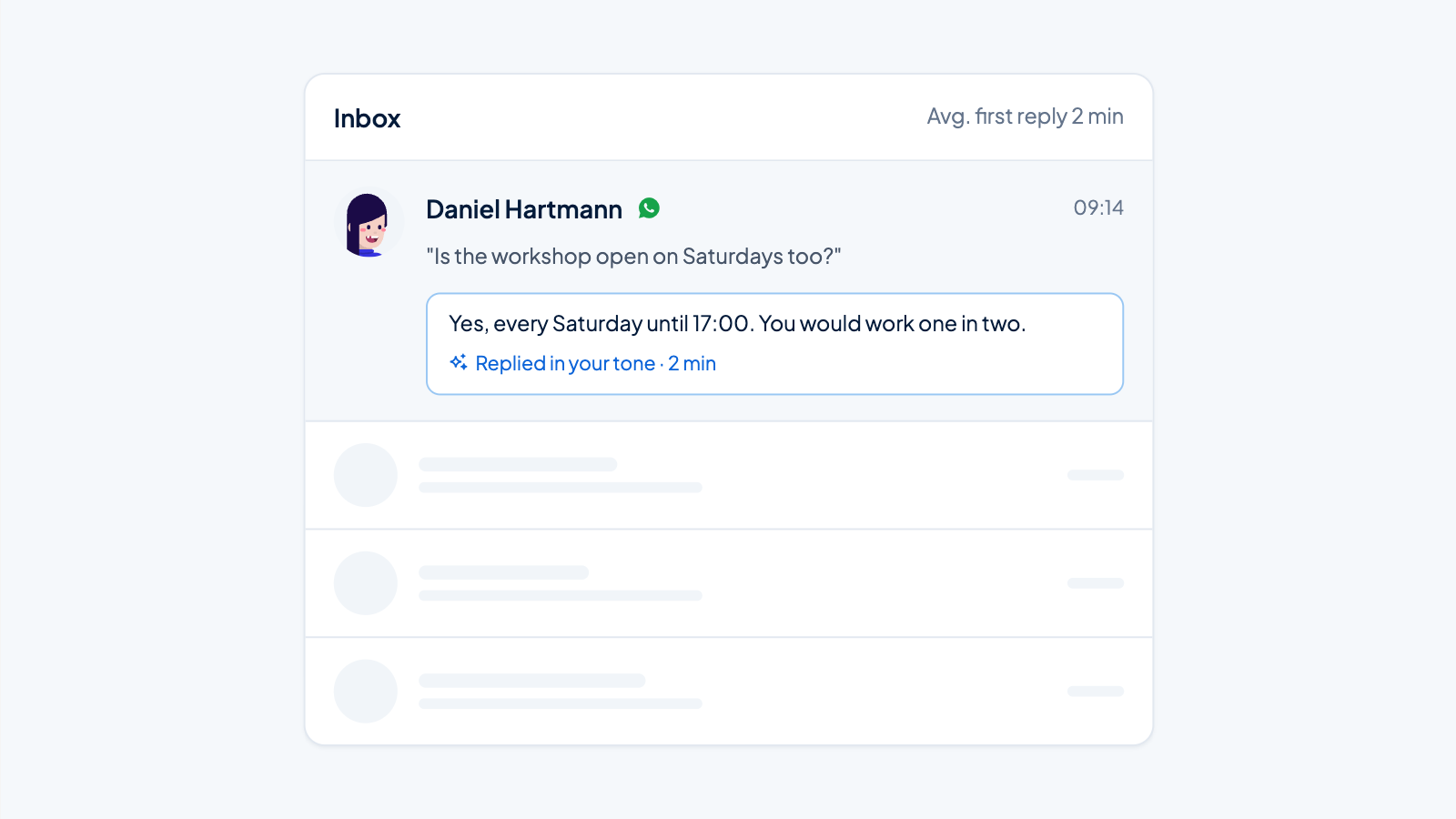
Yes, software can automatically send follow-up messages to candidates during the recruitment process. Modern recruitment software uses triggers and workflows to send messages based on candidate actions or status changes. This automates communication such as receipt confirmations, status updates, and rejection letters, saving time and improving the candidate experience.
What are automatic follow-up messages in recruitment?
Automatic follow-up messages are pre-set emails or notifications that recruitment software automatically sends to candidates during various stages of the application process. These messages are triggered by specific events, such as submitting an application, progressing through screening stages, or scheduling interviews.
The system works by setting up predefined triggers that respond to candidate actions. For example, when a candidate submits an application, a receipt confirmation is automatically sent. When the status changes in the pipeline, the candidate receives relevant updates without manual intervention from HR staff.
This automated communication ensures consistent candidate communication and prevents applicants from going long periods without feedback. The system tracks which messages have been sent and when, providing a complete communication history for each candidate.
How does the automation of follow-up messages work technically?
The technical operation of automated follow-up messages is based on triggers, workflows, and conditional logic within recruitment software. The system continuously monitors candidate actions and status changes to automatically send the right messages at the right time.
Triggers are set for specific events:
- New application received
- CV screened and approved
- Interview scheduled or completed
- Candidate rejected at a certain stage
- Reference check started
- Offer made or accepted
Workflows determine which message is sent and when. They can include time delays, for example a reminder email three days after an interview. The software also checks conditions such as job type, experience, or location to select the correct message template.
Modern recruitment software integrates with email systems and can personalize messages with candidate data such as name, job title, and interview details. This creates relevant communication without manual input.
Which types of follow-up messages can be automated?
Virtually all standard communication in the recruitment process can be automated, from first contact to onboarding. These messages cover every stage of the candidate journey and ensure timely, relevant communication without manual intervention.
The main automated messages include:
- Receipt confirmations – Immediate confirmation after application submission
- Status updates – Information about progress in the process
- Invitations – Interview appointments with date, time, and location
- Reminders – Confirmations for upcoming interviews
- Rejection letters – Respectful communication when not selected
- Reference check requests – Automatic follow-up for references
- Offer letters – Formal job offers
- Onboarding instructions – First steps for new employees
Each message type can be customized for specific roles, departments, or candidate profiles. This ensures relevant communication that fits the context of each application.
What are the main benefits of automated candidate communication?
Automated candidate communication offers significant benefits for both HR teams and candidates. The main benefit is time savings, allowing recruiters to focus on strategic tasks instead of routine communication.
The key benefits for organizations are:
- Time savings – No more manual messages needed
- Consistent communication – All candidates receive the same quality of service
- Reduced workload – HR teams have more time for important tasks
- Better tracking – Complete communication history per candidate
- Fewer errors – No forgotten follow-ups or incorrect information
- Scalability – Efficiently manage large volumes of candidates
For candidates, automation means an improved experience through timely updates and clear communication. They know where they stand in the process and feel valued by professional, fast responses.
Recruitment software can help recruiters manage up to three times more candidates compared to traditional workflows, while communication quality remains the same or even improves.
How do you personalize automatic messages for different candidates?
Personalization of automatic messages is done by using dynamic fields, segmentation, and conditional logic. The system adapts messages based on candidate data, job details, and process stage to create relevant, personal communication.
Effective personalization strategies include:
- Dynamic fields for name, job title, and company name
- Job-specific message templates per department
- Communication based on experience level
- Location-specific information and contact details
- Messages adapted to the process stage
Advanced personalization uses candidate profile information such as skills, experience, and preferences. For example, a senior candidate receives different communication than a junior candidate, with adjusted tone and content that fits their level.
The system can also take into account the source of the application. Candidates from LinkedIn may receive different messages than those who apply through the company website, making communication more relevant.
What challenges come with implementing automatic follow-up?
Implementing automatic follow-up comes with several challenges, the most important being maintaining a personal touch and correctly configuring timing. Organizations must balance efficiency and human connection in their communication.
Common implementation challenges:
- Loss of personal touch – Messages can feel impersonal
- Technical configuration – Complex workflow settings require expertise
- Timing optimization – Incorrect timing can irritate candidates
- Content quality – Poor message templates harm brand image
- Over-automation – Too many messages overwhelm candidates
- Integration issues – Compatibility with existing systems
The key to success lies in finding the right balance between automation and human interaction. Important moments, such as offers or rejections, are better handled personally, while routine updates are perfectly suited for automation.
Regular evaluation and optimization of automated workflows ensures that communication remains effective and candidates have a positive experience.
How Applyfin helps with automatic follow-up messages
Applyfin offers a complete solution for automating candidate communication throughout the entire recruitment process. The platform makes it possible to send professional, personalized messages without manual intervention, saving HR teams time and giving candidates a consistent experience.
With Applyfin you can:
- Set up smart workflows – Automatic triggers for every stage of the process
- Personalize messages – Dynamic fields for relevant, personal communication
- Optimize timing – Flexible schedules for the perfect send time
- Customize templates – Professional message templates for every situation
- Monitor results – Insight into open rates and candidate responses
- Achieve integration – Seamless connection with your existing HR systems
Want to discover how automatic follow-up messages can transform your recruitment process? Plan a personal demo and experience for yourself how Applyfin takes your candidate communication to the next level.
Modern recruitment software makes it possible to largely automate candidate communication without losing the personal touch. By using smart triggers, personalization, and careful timing, organizations can significantly improve their recruitment process. The technology offers the ability to manage more candidates more effectively, while HR teams can focus on strategic decisions. For organizations looking to optimize their recruitment, advanced recruitment features provide the tools to implement automation successfully. Want to learn more about how automation can improve your recruitment process? Contact us for personal advice, or discover how our recruitment software can support your team.