How to Automate Recruitment Follow-ups
Automated recruitment follow-ups ensure that candidates automatically receive updates at set times during the application process. This saves recruiters a lot of time and ensures a consistent candidate experience. Discover which follow-ups are best to automate, from receipt confirmations to status updates and rejections. Learn how to set up workflows that feel both efficient and personal, and which tools you need for successful automation that offers scalability without loss of quality.

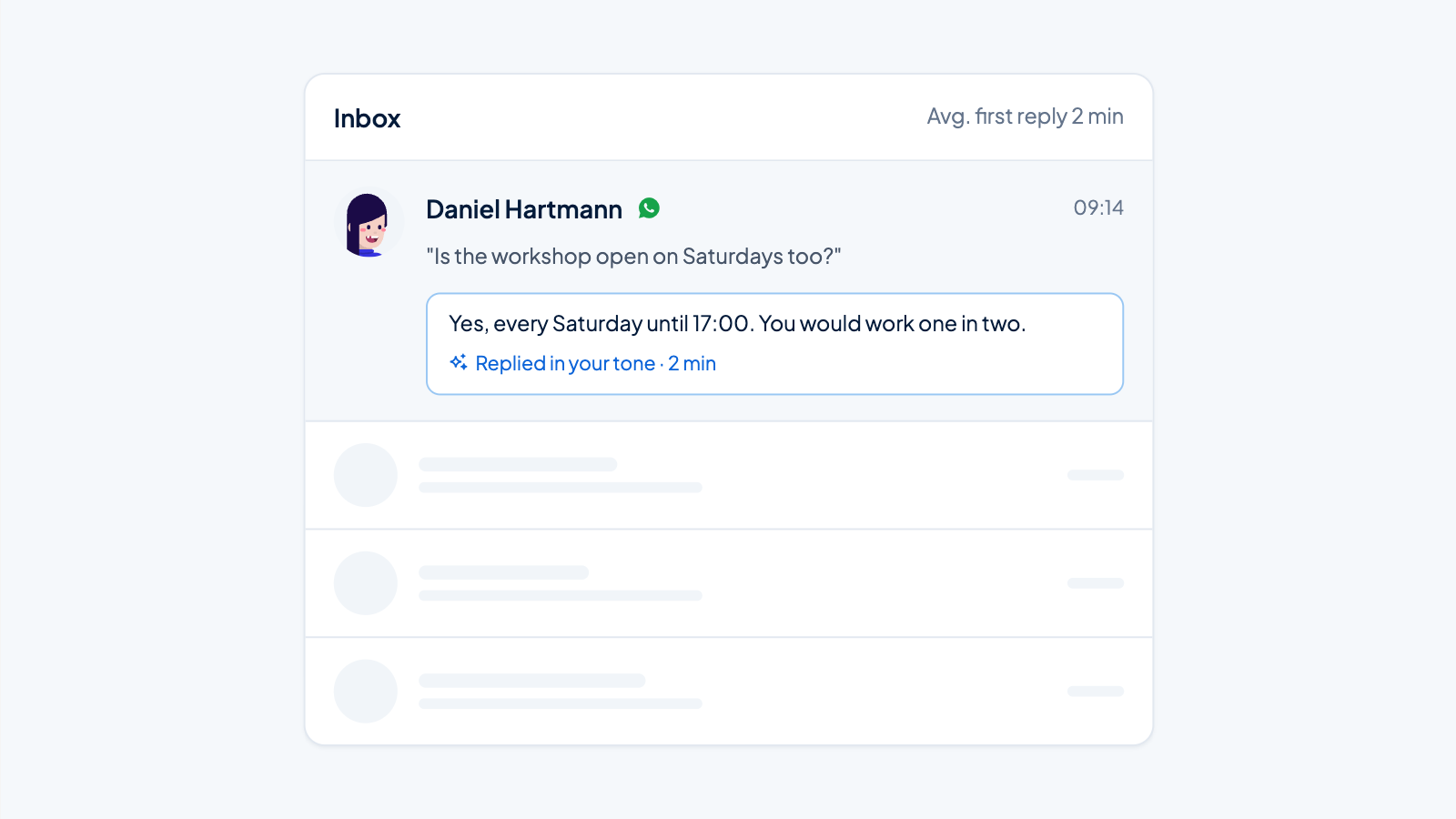
Automated recruitment follow-ups ensure that candidates automatically receive updates at set moments during the application process. This saves recruiters a lot of time and ensures a consistent candidate experience. By using AI in recruitment processes, you can manage more applicants without losing quality and keep candidates better informed about their status.
What is recruitment follow-up automation and why is it important?
Recruitment follow-up automation means that communication with candidates is sent automatically at predetermined moments without manual intervention. This includes confirmation emails, status updates, and rejections that are triggered by a system once a candidate reaches a certain stage.
Manual follow-ups are time-consuming and prone to errors. Recruiters often spend hours per week sending standard emails, time they could better use for personal conversations with suitable candidates. Moreover, during busy periods, recruiters regularly forget to inform candidates, leading to frustration and a negative employer image.
The impact on the candidate experience is significant. Candidates appreciate fast and transparent communication. When they hear nothing for days after applying, they feel ignored and may withdraw or accept another offer. Automated follow-ups ensure that every candidate receives a confirmation within minutes and is regularly informed about their progress.
For recruiter productivity, automation makes a big difference. By taking over AI recruitment tasks, recruiters can focus on valuable work like interviews and relationship management instead of administrative communication. This increases not only efficiency but also the quality of the selection process.
Which recruitment follow-ups are best to automate?
Not all follow-ups are equally suited for automation. The most effective moments for automated communication are standard moments that every candidate goes through and where personal input is not immediately needed.
These follow-up moments are ideal for automation:
- Receipt confirmations – Send a confirmation immediately after an application is received. This gives candidates certainty and shows professionalism.
- Status updates – Automatically inform candidates when their application moves to the next stage or when the selection process takes longer than expected.
- Rejections – Send friendly rejection emails as soon as it's clear a candidate is not proceeding. This prevents candidates from waiting unnecessarily long.
- Interview reminders – Send a reminder 24 hours before an interview with practical information like location, contact person, and what the candidate can expect.
- Onboarding communication – Automatically start the onboarding flow once a candidate signs the employment contract, with welcome information and first steps.
Automation works best for high-volume recruitment where many candidates go through the same standard steps. For senior positions or very specific roles, you might want to maintain more personal communication, but even there, basic updates can be automated. The art is to smartly deploy AI recruitment tasks where they have the most effect.
How do you set up automated recruitment follow-ups?
Setting up effective automated follow-ups requires a structured approach. By working systematically, you create workflows that feel both efficient and personal to candidates.
Follow these steps to set up recruitment follow-up automation:
- Define your goals – Identify which communication moments you want to automate and what you want to achieve with each message. Think about speed, information provision, or maintaining interest.
- Map out touchpoints – Visualize the entire candidate journey and mark every moment where communication is needed. This helps identify gaps and prevent duplicate communication.
- Create templates – Write clear, friendly email templates for each moment. Use a professional yet accessible tone of voice that fits your organization.
- Set up triggers – Determine which actions or status changes should activate an automated email. These can be applications, stage transitions, or time-based moments.
- Add personalization – Use variables like name, job title, and location to make emails more personal. This prevents communication from feeling robotic.
- Test thoroughly – Go through the entire process as a test candidate to check if timing, content, and personalization work correctly before going live.
An important tip is to balance automation with a personal touch. Use automation for standard updates, but switch to personal communication for key moments like interview invitations or making an offer. Candidates appreciate efficiency, but want to feel personally heard during crucial decisions.
What are the benefits of automated recruitment follow-ups?
Automated follow-ups offer measurable benefits for both recruiters and candidates. The biggest gains are in time savings and consistency, but the effects reach much further.
The main benefits are time savings for recruiters. What previously cost hours per week in manually sent emails now happens automatically. Recruiters can invest that freed-up time in personal conversations, strategic sourcing, and building talent pools. This makes AI recruitment cheaper and more effective at the same time.
A consistent candidate experience is another major benefit. Every candidate receives the same professional communication at the same moment, regardless of how busy the recruiter is. This prevents some candidates from being forgotten while others get updates, leading to a fairer and more reliable process.
Automation also leads to increased response rates. When candidates receive quick feedback, they remain more engaged with your vacancy and respond faster to invitations for next steps. This speeds up the entire recruitment process and reduces the chance that good candidates drop out or accept another offer.
The better pipeline visibility that automation provides helps recruiters maintain an overview. Systems that send automated follow-ups often also show where each candidate is in the process and which actions have been taken. This makes reporting easier and helps identify bottlenecks in the process.
Finally, automation offers scalability. Recruiters can manage more candidates with AI in recruitment without additional staff. Where you might previously have managed 50 active applications at once, you can now handle 150 or more, because routine communication happens automatically. This is especially valuable for organizations with high-volume recruitment or seasonal peaks. Deploying AI recruitment faster means finding the right people faster.
Which tools and functionalities do you need for recruitment follow-up automation?
Effective follow-up automation requires a platform with specific functionalities that together create a smooth workflow. Not all recruitment systems offer the same capabilities, so it's important to know what to look for.
A modern recruitment automation platform must have email templates that you can customize to your branding and tone of voice. These templates should be easy to edit without technical knowledge, so you can quickly make adjustments when needed.
In addition, workflow builders are essential. These visual tools let you map out the entire candidate journey and determine when which communication is sent. A good workflow builder is intuitive and offers flexibility to build complex scenarios, such as different routes for selected or non-selected candidates.
The trigger system forms the heart of automation. It must be able to activate emails based on various events like status changes, time intervals, or candidate actions. Advanced systems also offer conditional logic, so you can, for example, send different emails depending on the job category or location.
Good personalization options make the difference between robotic and human communication. The platform must support dynamic fields for name, job title, location, and other relevant data. Some systems even offer AI-driven personalization that adapts content to the candidate's profile.
Strong integrations with ATS (Applicant Tracking Systems) and other HR tools are crucial for a seamless workflow. Data must synchronize automatically so that status updates directly lead to the correct follow-up communication without manual intervention.
Finally, analytics dashboards are indispensable for measuring whether your automation is working. You want to be able to see which emails are opened, where candidates drop off, and how quickly communication is sent. These insights help you continuously improve your workflows.
When choosing the right recruitment automation solution, it's important to look for a platform that combines all these functionalities in a user-friendly environment. We at ApplyFin have integrated these elements into one system that helps recruiters automate their entire process. Want to know more about specific features that support follow-up automation, or are you curious how this would work in your situation? Feel free to contact us for a no-obligation conversation about your recruitment challenges.